
This guide walks you through how to purchase the products you love.
Note: Pay with PayPal

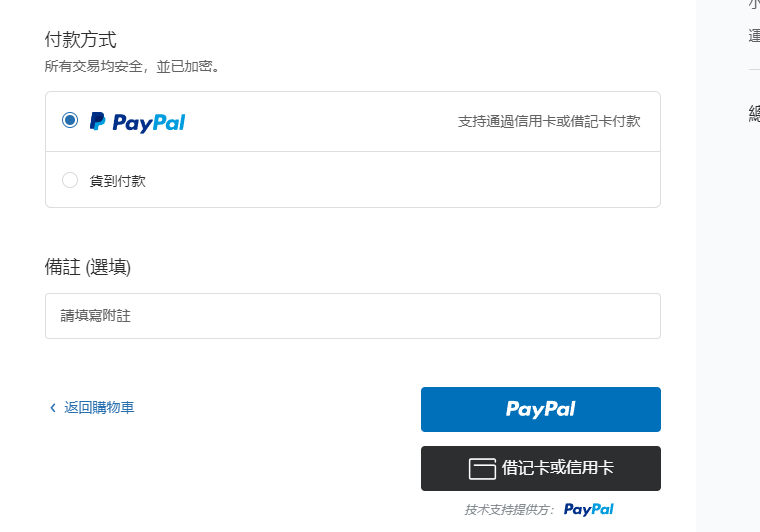
When you place an order with PayPal, you'll be redirected to the PayPal payment page, where you can confirm your payment by signing in with your PayPal username and password.
Even without a PayPal account, you can still check out. To do so, simply click “Pay with Debit/Credit Card,” and you'll be redirected to a secure page where you can enter your credit card information or securely complete your payment through PayPal.
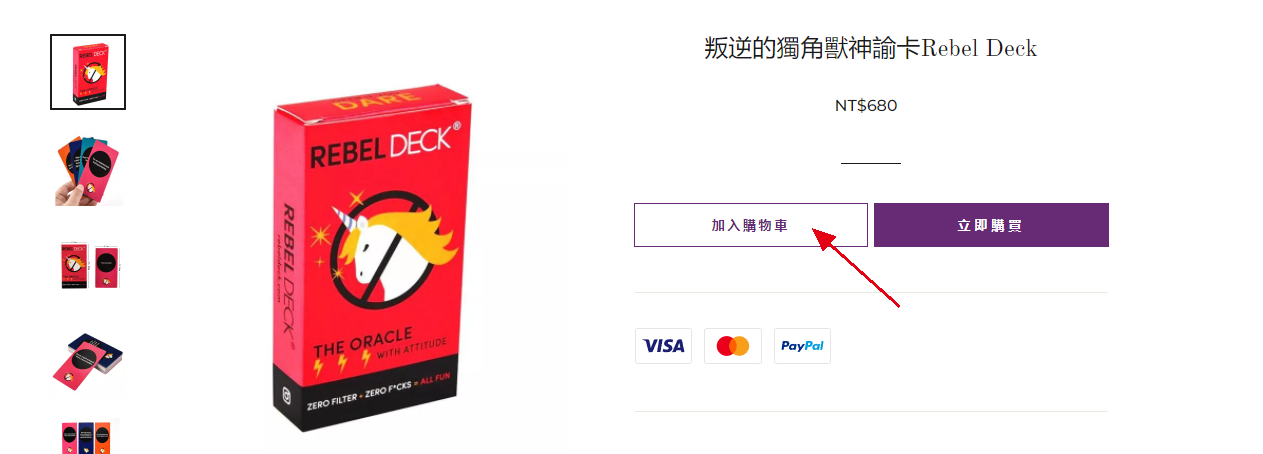
1. Choose your product and add it to your cart
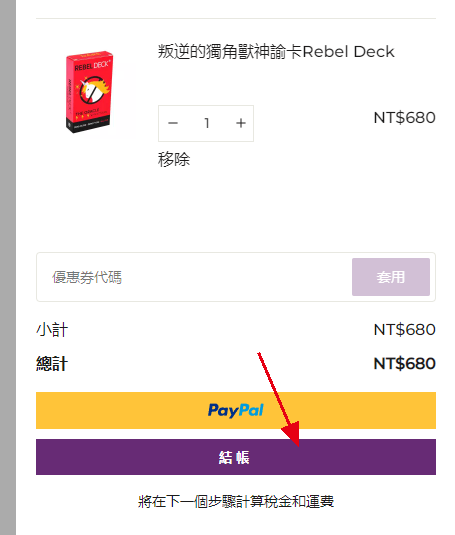
2. Click the “Checkout” button to go to the checkout page
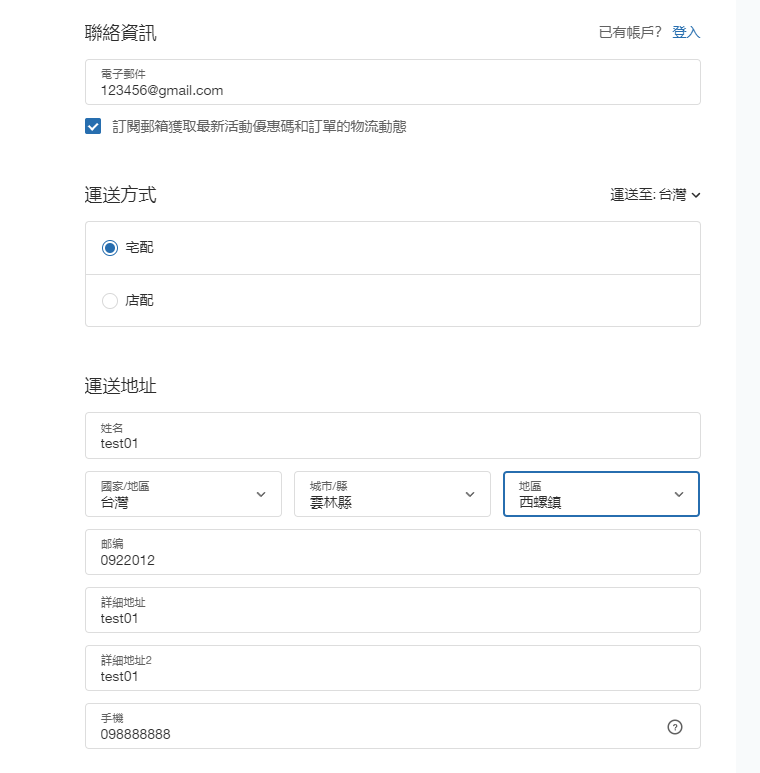
3. Enter your shipping details and choose your delivery method
Please note that shipping times and costs vary depending on your country/region, as outlined below:
| Region | Shipping Fee | Delivery Time |
| Taiwan | Free Shipping | 6–11 business days |
| Hong Kong | Free Shipping | 7–12 business days |
| Other Regions | Free Shipping | 10–30 business days |
4. Choose your preferred payment method
Depending on your country/region, we offer the following payment methods:
| Region | Payment Methods |
| Taiwan | PayPal, credit card, 7-Eleven cash on delivery, FamilyMart cash on delivery, HCT Logistics cash on delivery |
| Hong Kong | PayPal, credit card, cash on delivery |
| Other Regions | PayPal, credit card |
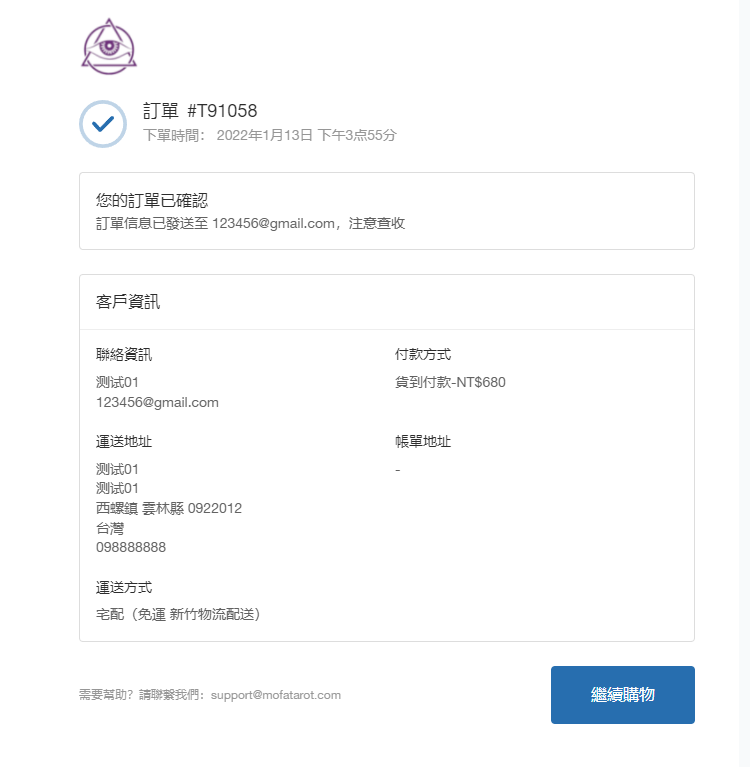
5. Order Complete
Congratulations! Your order has been placed.
6. Customer Support
If you run into any issues while shopping or placing your order, please reach out to us through any of the channels below.